How to build a custom ERP system with AI for free (for any industry)
Almost every industry needs an ERP. Here's how I built a working real estate ERP for free in Google AI Studio, and how to turn ERPs into a business.
On this page
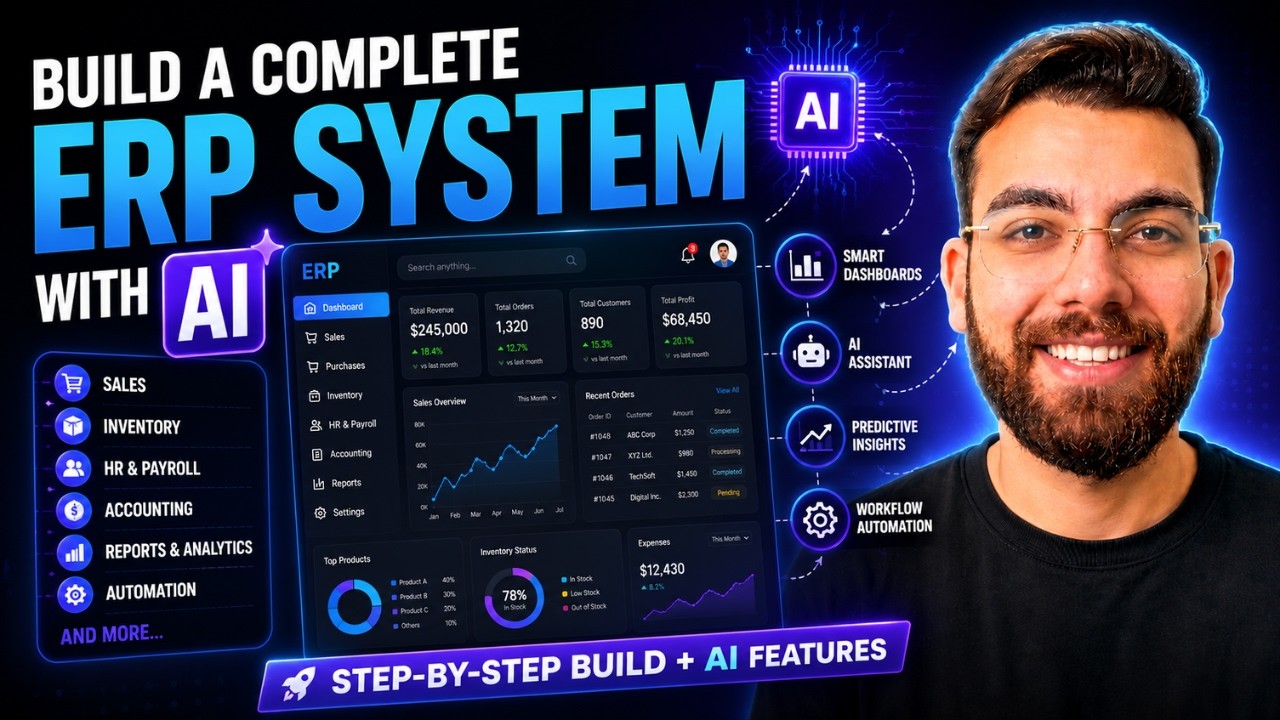
Almost every industry needs an ERP: pharmacies, construction companies, real estate agencies, schools, clinics. In this post I'll build a custom ERP system with AI for free (a real estate ERP in Google AI Studio) and show you how to turn ERPs into a business you can sell to almost any industry.
Watch the video
▶ Watch "How to Build a Complete ERP System with AI for FREE (Full Project)" on YouTube
Why ERPs are a great niche
An ERP puts a whole business in one dashboard, and businesses will happily pay for one that fits how they work. You can sell a custom ERP for more than $1,000, or package it as a subscription. At $50 a month per business, 100 customers means $5,000 a month in recurring revenue, and it grows from there.
If you go deep on ERPs alone, you may never need to move to another niche.
What a real estate ERP needs
For this build I picked real estate. The core pieces:
- Properties and available inventory
- Leads and clients
- Payments and installments
- Agents and commissions
Step 1: Write the prompt
I used the free version of ChatGPT to write a detailed prompt for a real estate ERP covering those modules. Do the same for your industry: list the modules the business actually runs on.
Step 2: Build it in Google AI Studio
Go to aistudio.google.com, click New app, paste the prompt and click Build. AI Studio lets you pick a design direction. I went with a simple, clean layout.
Everything here runs on the free tier. In the settings you can see it's using free trial requests, with Gemini 3.1 Pro doing the building.
Step 3: Turn on the database
An ERP without a database is just a prototype. AI Studio offers to enable a database so data is saved and available across devices. That database is Firebase, Google's own. You don't need to learn it. Click enable and AI Studio handles the setup.
About two and a half minutes later, I had the system: a dashboard with active leads, available inventory, closed deals and total revenue, plus pages for leads, customers and properties.
Step 4: Make it functional
The first version looked right, but the add lead and add customer buttons didn't work yet. The database wasn't properly connected.
So I told the AI: "Everything looks good. Now make it functional. I want to add customers, leads and properties. Connect the database properly."
Step 5: Test it
I added a lead with a name, a lead source (Instagram) and a status (contacted), then clicked save. It appeared immediately, and the dashboard updated in real time. Adding customers worked too. From here you can ask the AI for anything else, like edit buttons, or removing the sign-in screen if a client doesn't need one.
Customize it for any industry
The same process works for pharmacies, hotels, travel agencies, farms, government offices, furniture makers, printing companies, security firms, cleaning companies, construction, and wholesale and distribution. Change the prompt, and you have a new product.
To sell it, build a website around ERPs, something like "ERP systems in the UK", and list the industries you serve: pharmacy, wholesale, construction, real estate and more. Then structure it for SEO so each industry page can rank.
Firebase, Google Sheets or Supabase?
This build uses Firebase because it's built into AI Studio. In my pharmacy ERP, I used Google Sheets as a database so the client can see and edit their own data. For apps with lots of user accounts, I reach for Supabase. Pick what fits the client.
Build one custom ERP system with AI from start to finish. It'll answer every question you have about the process. And if your client needs a CRM instead, here's how I build a GoHighLevel alternative with Claude.
If you want to become an AI web developer, my community takes you from beginner to pro: AI Engineer Academy. Here's what's inside.
Follow along
- YouTube: @AgenticAli
- LinkedIn: Ali Amin
- X: @AgenticAli
- Instagram: @agenticali
- Skool: AI Engineer Academy
Keep building.
Ali Amin